If you’re a sketch artist and want to try digital art, or you’re a true beginner, you’re in the right place. This blog will cover the 3 best drawing apps for android beginners in 2026 that make your drawing easier and improve your skills. Whether you’re a manga artist, anime artist, or caricature artist, you can make your art better and easier with the help of these 3 best drawing apps. We will cover 3 best drawings apps for beginners, here you can get all the helpful information.
Things choosing Between 3 Best Drawing Apps for android beginners in 2026
If you are beginner than the first step is you should look out these things to make sure that which app you using is easy to use.
some more points are to know,
Simple Interface
make sure app’s interface should be clean and simple. variety of brush, rubber, layer support and a colour palette, only these main tools you need to start drawing. Extra Featured Tools May Confuse You Initially
Brush Variety
There should be more brush options like ink brushes, pencil brushes, watercolour brushes so that you can add variety to your art.
Layers Support
There should be an option to add multiple layers and work on different layers separately and edit them all separately as per your requirement.
Easy Import
If you can’t share your artwork, what’s the point? That’s why easy import is essential, so you can import and share your artwork on social media.
These four things you should check if you are a beginner. because you need to understand how the tools and apps works.
Now let’s talk about 3 best drawing for android beginners in 2026. So you can decide which one is best for you.
1. Ibis Paint X
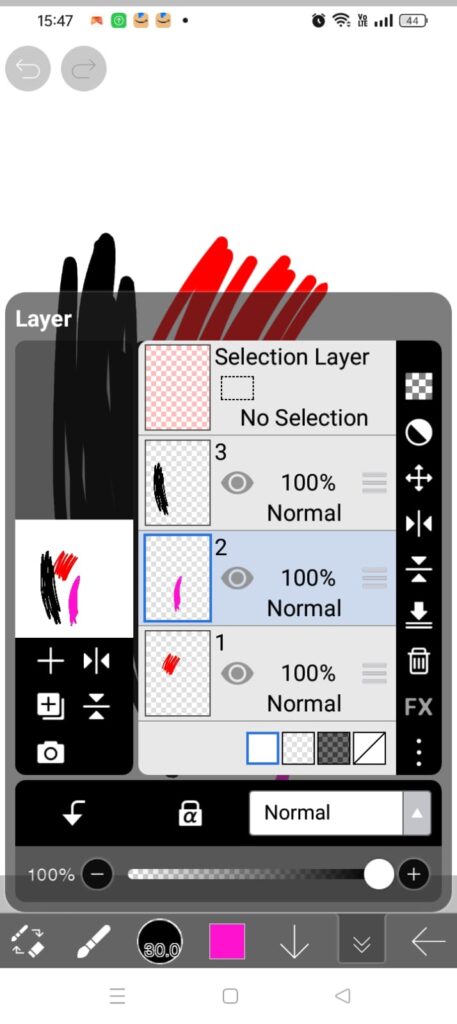
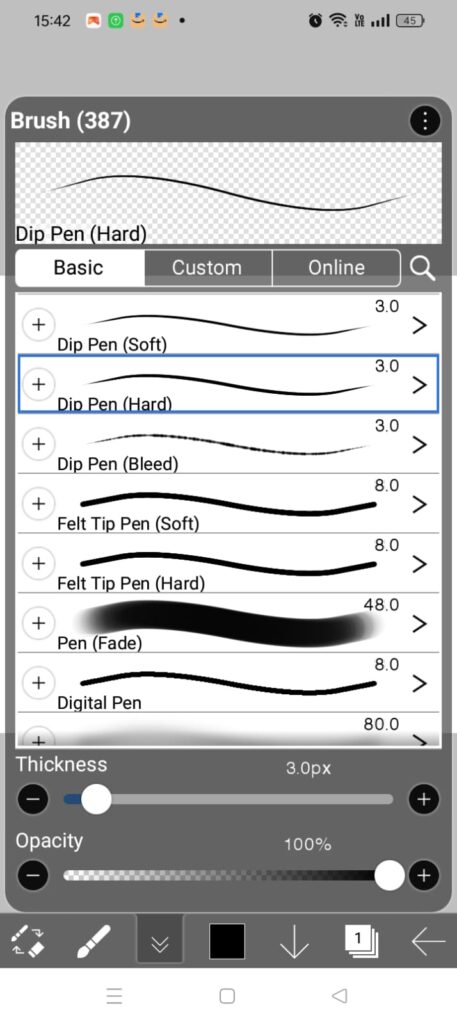
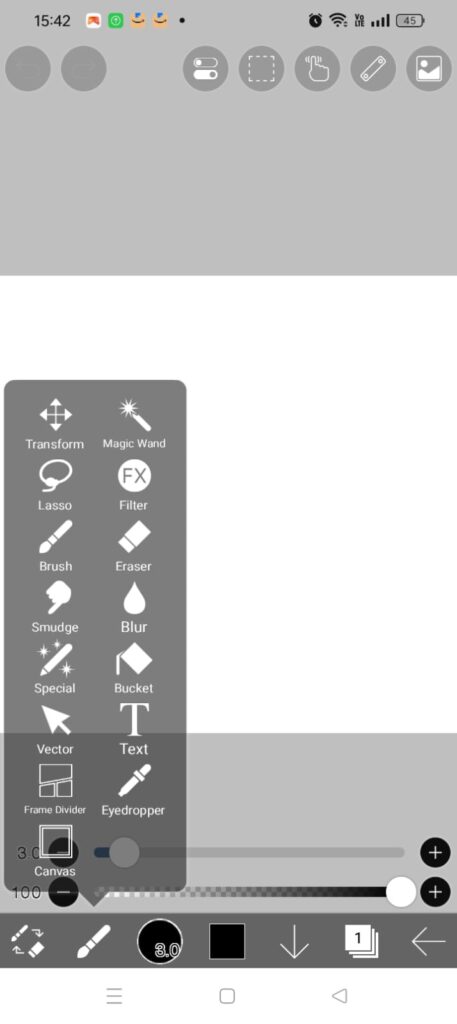
Ibis paint x app is one of the best drawing app. personally i used this app when i was beginner. this app is easy to use and has man a huge variety of around 390 brushes. you can make custom brushes also. you can make different layers and draw each and every part of your art in different layers. In this app easy to move layers, and with different layers you can easily do edit in your art it won’t mess. you can duplicate layers, easy delete and create another layer. and also you can pick colours from anywhere from your art with just one tap and hold 1 sec.
It is available on play store in 2 variants FREE and PREMIUM. but if you are a beginner i will suggest you to go with FREE app. It works on Android, iOS / iPadOS also available on Windows via related app. To download click on the below link.
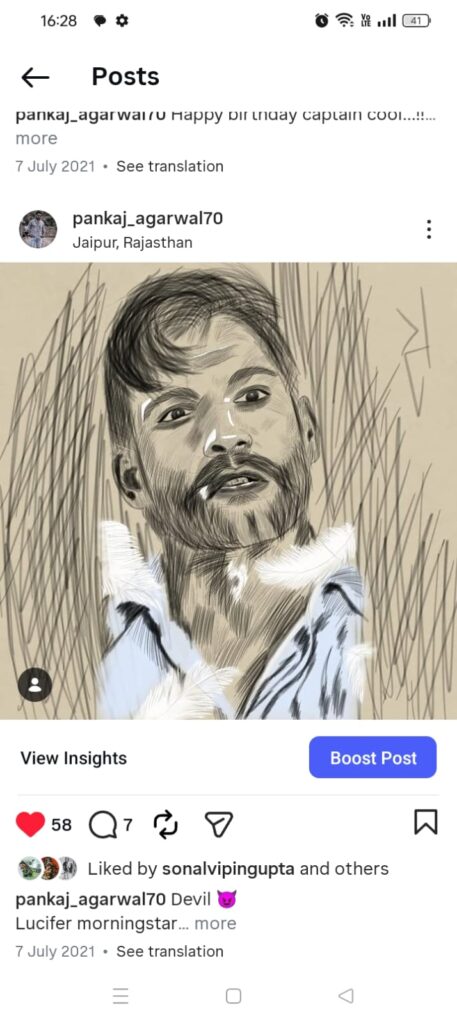
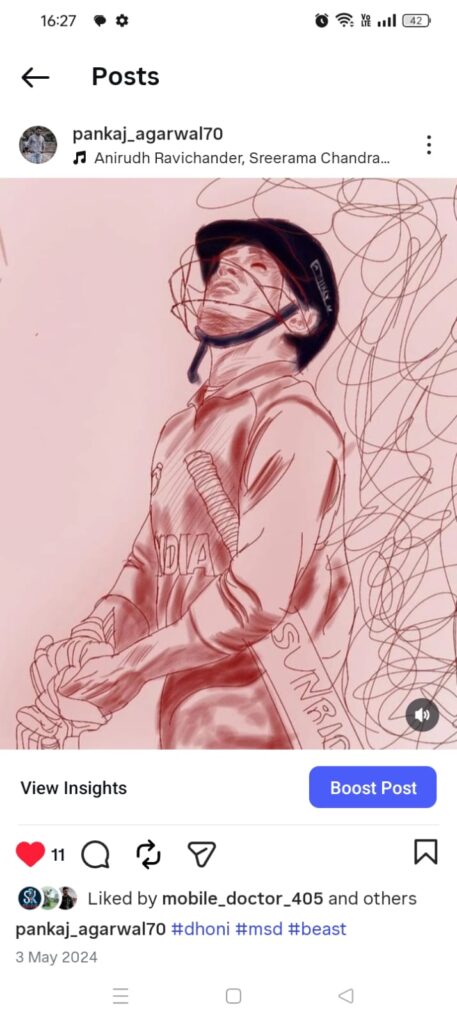
Best In The App
very easy to use.
easy layers support like add or delete layer.
huge brushes variety.
easy tools recognition. (eraser, filter, magic wind, text)
over 25000 materials.
automatic time lapse vide0.
easy to import and share.
Waste In App
Advertisement.
legging in long time use.
2. Sketchbook
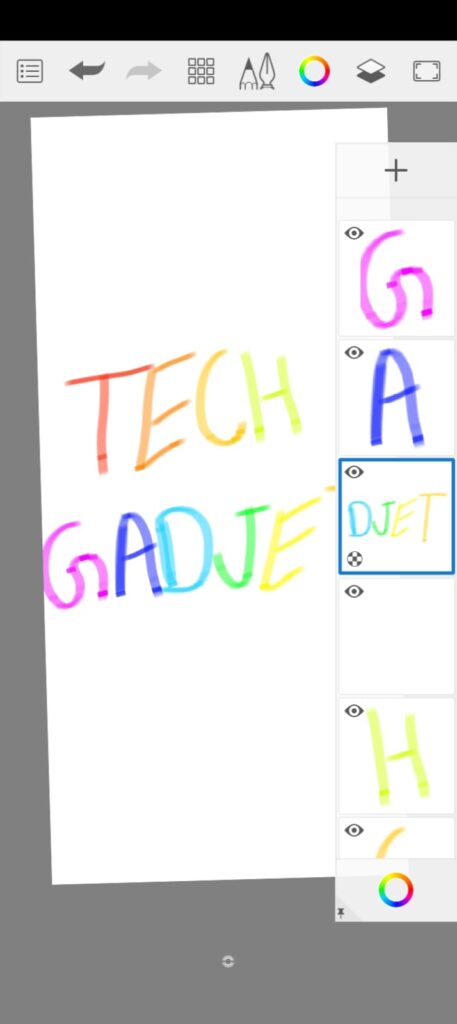
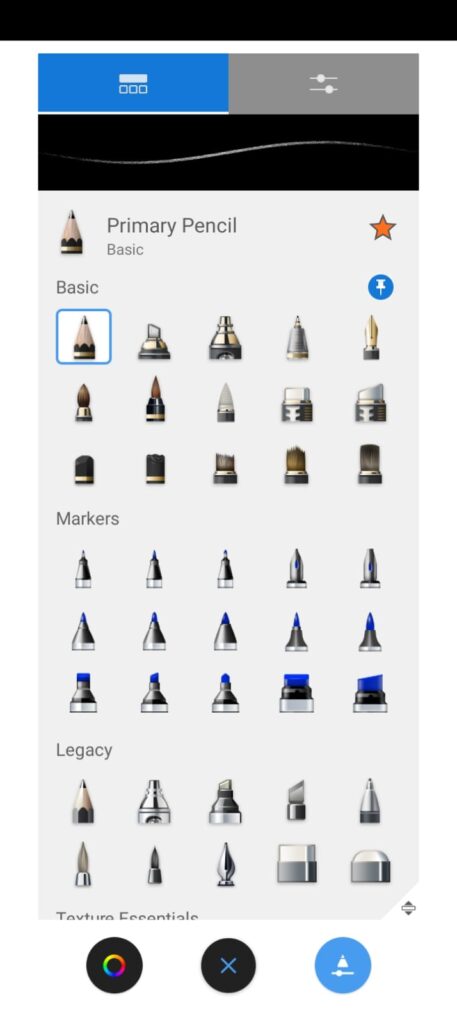
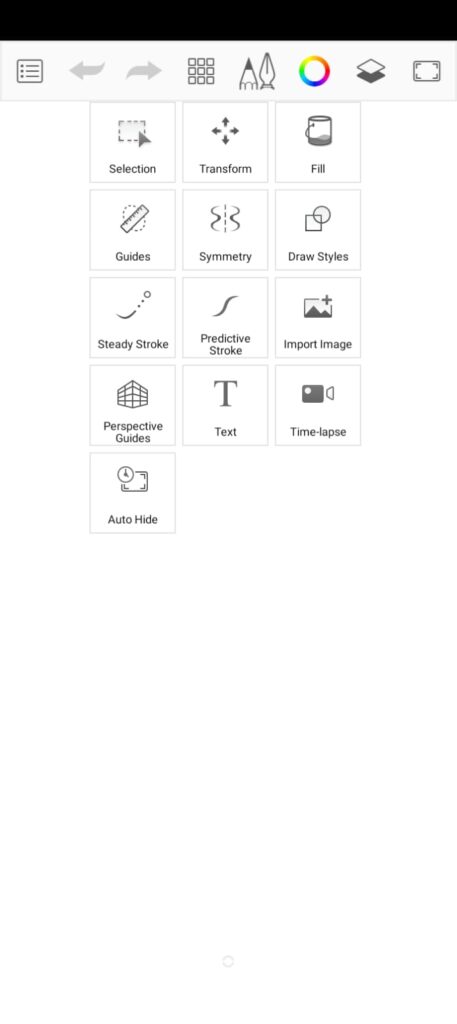
This app is also a good option in 3 best Drawings app for android beginners. sketchbook is easy and simple to use, has a enough variety in brushes that feel just like working with real art supplies. You can tweak your brushes, work with layers and blend modes, and pull out guides or rulers whenever you want that extra precision. The interface stays out of your way, tools and palettes disappear when you don’t need them, so you can focus on creating. If you go premium, you unlock more brushes, dial in advanced colour controls, and Custyomize your layers with blur, sharpen, and contrast, but i suggest you to go with FREE version if you are a beginner.
Sketchbook works with Android, iOS, Windows and macOS. Tap to download free version.
Best In App
Easy and simple to use.
Easy layers support.
huge brushes variety.
easy to import.
no legging.
Easy colour picker.
Waste In App
no auto Time lapse.
No double tap undo.
3. Infinite Painter
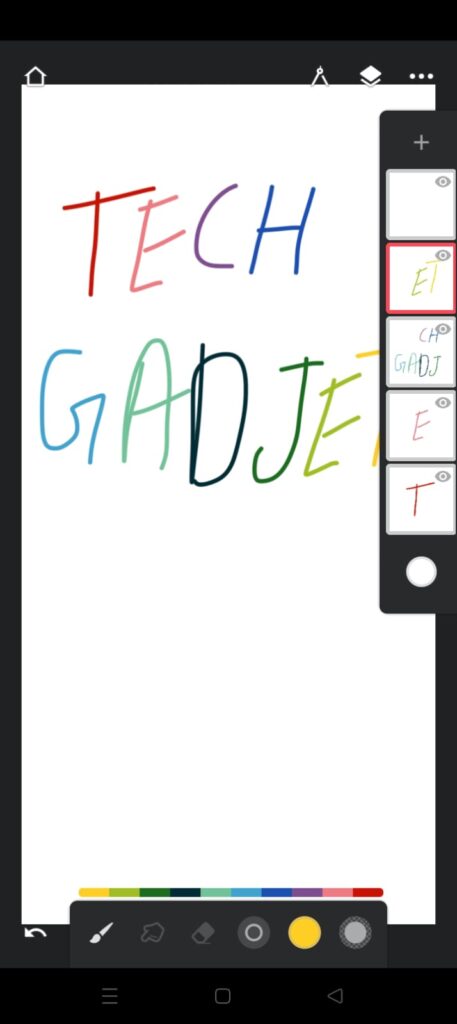
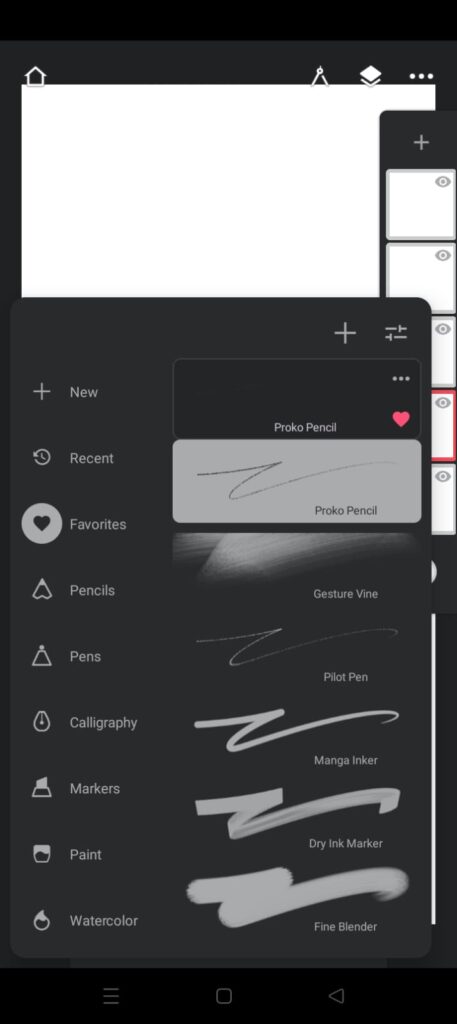
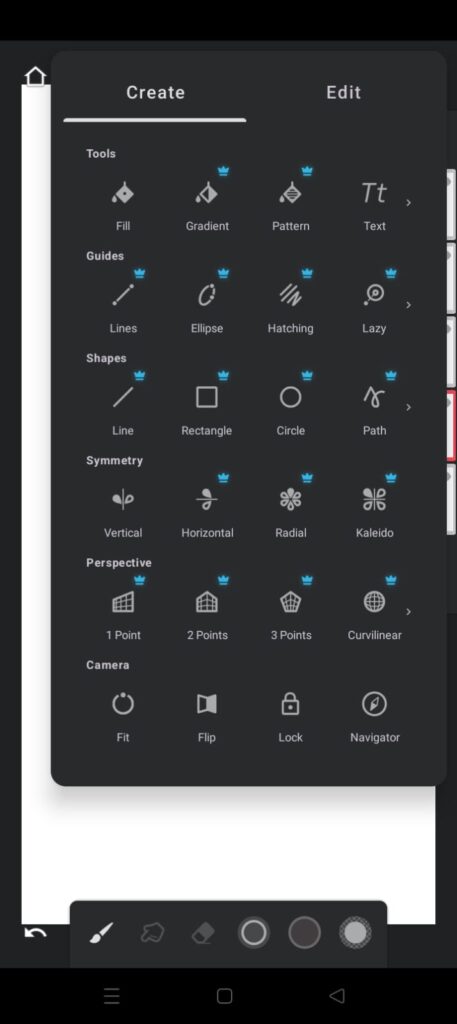
Infinite Painter is also one of the best in 3 best drawing apps for beginners. this digital drawing app is very smooth to use that a kid can use this very easy. you can feel smoothness when draw with any brush. it’s feel like drawing on real canvas. watercolour brush effects looks very real. In this app you can find over 200+ brushes. You can make their own brush sets and share them, use 3D perspective guides, and play around with real-time filters and adjustments on each layer. you can also use shortcuts with fingers like tap for undo and tap and hold for colour picker.
With the paid version you can unlock advance layer support, blend mode, curves, gradient map and many tools. time laps feature also helps to record and share your artwork with anywone or social media.
Infinite Painter works with Android, iOS, ChromeOS, Apple Silicon Mac. Tap to link below for download the app.
Best In App
very smooth surface and easy to use.
over 200+ Bruses.
easy layer support.
Finger touch shortcuts.
Easy to import.
Waste In App
Time lapse works when you start this.
Free tools lesser.
My Opinion if you want to take 😛
It’s hard to say that in these 3 drawing app which is best because these all 3 apps are best that’s why i writing about them :P, but personally i use Ibis Paint X you can go with this or other one.
Disclaimer
all the information mentioned in this blog are based on research from the official sites and more platforms and the images are used only for illustrator purpose.